
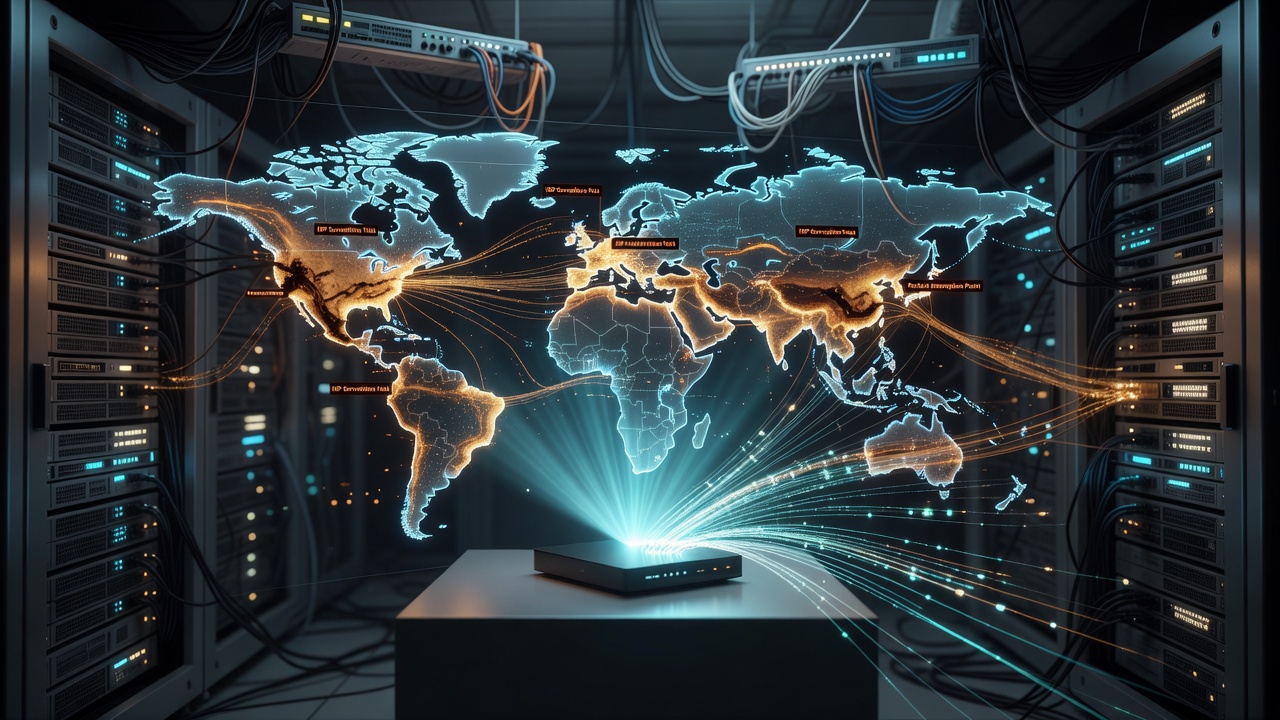
The biggest threat to your online privacy probably isn't a stranger lurking on public Wi-Fi. It's the company that provides your home internet connection. Your internet service provider sees every site you visit, every app you use, and often sells that behavioral data to advertisers, and a VPN is one of the few practical tools available to stop it.
Why Your Own Network Is the Real Risk
It's tempting to think of VPNs as travel accessories, useful for logging onto hotel Wi-Fi or dodging sketchy coffee shop networks. But the threat at home is quieter and more persistent. ISPs occupy a privileged position: they sit between you and the entire internet, logging metadata and, in many cases, monetizing it through data brokers. A VPN encrypts your traffic before it ever reaches your provider, rendering your browsing history unreadable to them. For anyone serious about shutting that door, choosing a provider using RAM-only servers adds another layer of assurance, since data stored only in volatile memory is wiped on every reboot, leaving nothing behind for a provider to hand over even under legal pressure. a provider using RAM-only servers
What a VPN Can't Do
Encryption isn't a cloak of total invisibility. Advertisers rely on browser fingerprinting, a technique that identifies you by the unique combination of your device settings, fonts, and installed extensions, regardless of your IP address. A VPN masks your location, but it does nothing to erase a fingerprint that's already been built. Real protection requires pairing a VPN with tracker-blocking extensions and a privacy-focused browser. Think of the VPN as one layer in a stack, not a single fix for every form of surveillance.
Streaming, Torrenting, and the Limits of Location Spoofing
Connecting to a server abroad makes your traffic appear to originate there, a trick known as location spoofing, which is why VPNs are popular for reaching regional streaming catalogs. Licensing agreements mean the same service offers different libraries in different countries, and spoofing your location can unlock that content. But streaming platforms actively detect and block known VPN server addresses, so access is never guaranteed. A static IP purchased through your VPN provider, one not publicly associated with VPN traffic, can improve your odds. Torrenting raises separate concerns: peer-to-peer traffic is heavily monitored in some regions, and running it unprotected risks drawing attention from your ISP or rights holders, so encrypting that traffic matters regardless of what you're downloading.
Choosing and Configuring a VPN for the Whole Household
Not every VPN suits every purpose. Some excel at unblocking streaming libraries; others prioritize speed or simultaneous device support. Covering an entire household typically means choosing a service with generous multi-device allowances or configuring the VPN directly on your router, a more technical route but one that protects every connected device automatically. Split tunneling is worth seeking out too, since it lets you route only selected apps through the VPN, keeping latency-sensitive tasks or services like casting unaffected while everything else stays encrypted.
- Look for multi-device support or router-level configuration for full home coverage.
- Prioritize speed if streaming or gaming is a daily habit.
- Consider a static IP if streaming access is frequently blocked.
- Use split tunneling to exempt apps that conflict with VPN routing.
A home VPN won't solve every privacy problem, but it closes one of the largest and least discussed gaps: the data your own provider collects simply because you're connected. Given how much ISPs can infer and sell from unencrypted traffic, leaving the VPN running by default, at home as much as abroad, is a reasonable baseline for anyone who values control over their own data.